





✓ Step-by-step guide
Install IPTVX
on iPhone / iPad
Follow these steps to get IPTV Nords running on your iPhone / iPad with IPTVX.
1
Download IPTVX from the App Store
IPTVX by Bending X - FZE is available free on the App Store for Apple TV (tvOS 13+).
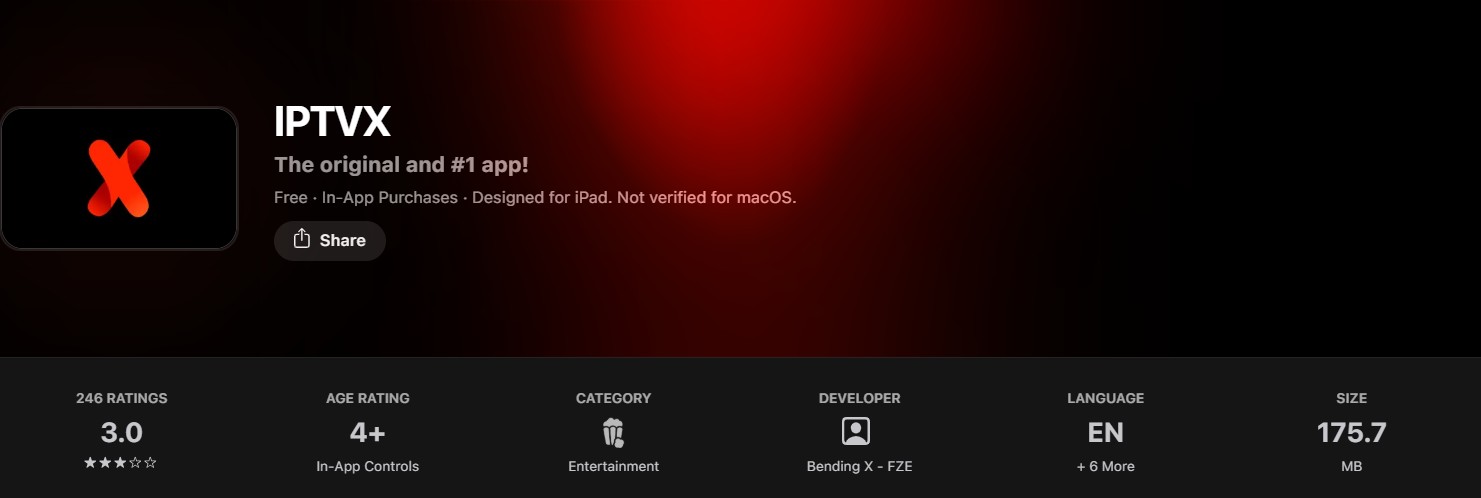
How to do it:
- From the Apple TV home screen open the App Store
- Use the Siri Remote to search for IPTVX
- Select IPTVX by Bending X - FZE (4.4 ★)
- Tap Get — the base app is free to download
- Open IPTVX once installed
💡 IPTVX offers a free trial. A Full subscription (from €3.99/month) removes all pop-ups and watermarks.
2
Add Your IPTV Nords Playlist
IPTVX supports M3U, Xtream Codes API and PLEX. Use M3U or Xtream Codes for IPTV Nords.
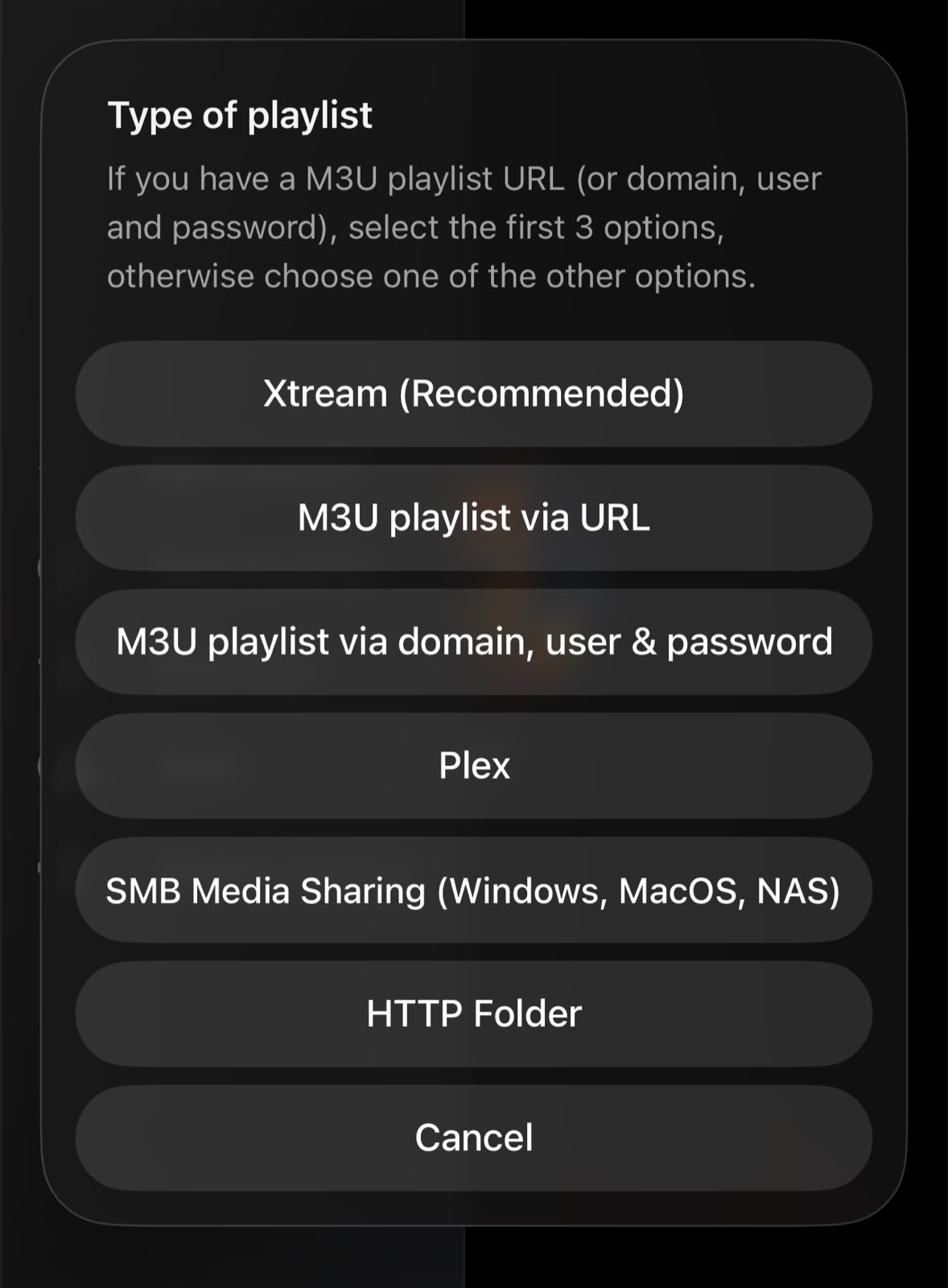
How to do it:
- Open IPTVX on your Apple TV
- Tap the + button to add a playlist
- Choose M3U / M3U8 URL or Xtream Codes API
3
Enter Your IPTV Nords M3U URL
Paste your M3U URL. IPTVX syncs your playlist to all your Apple devices via iCloud automatically.
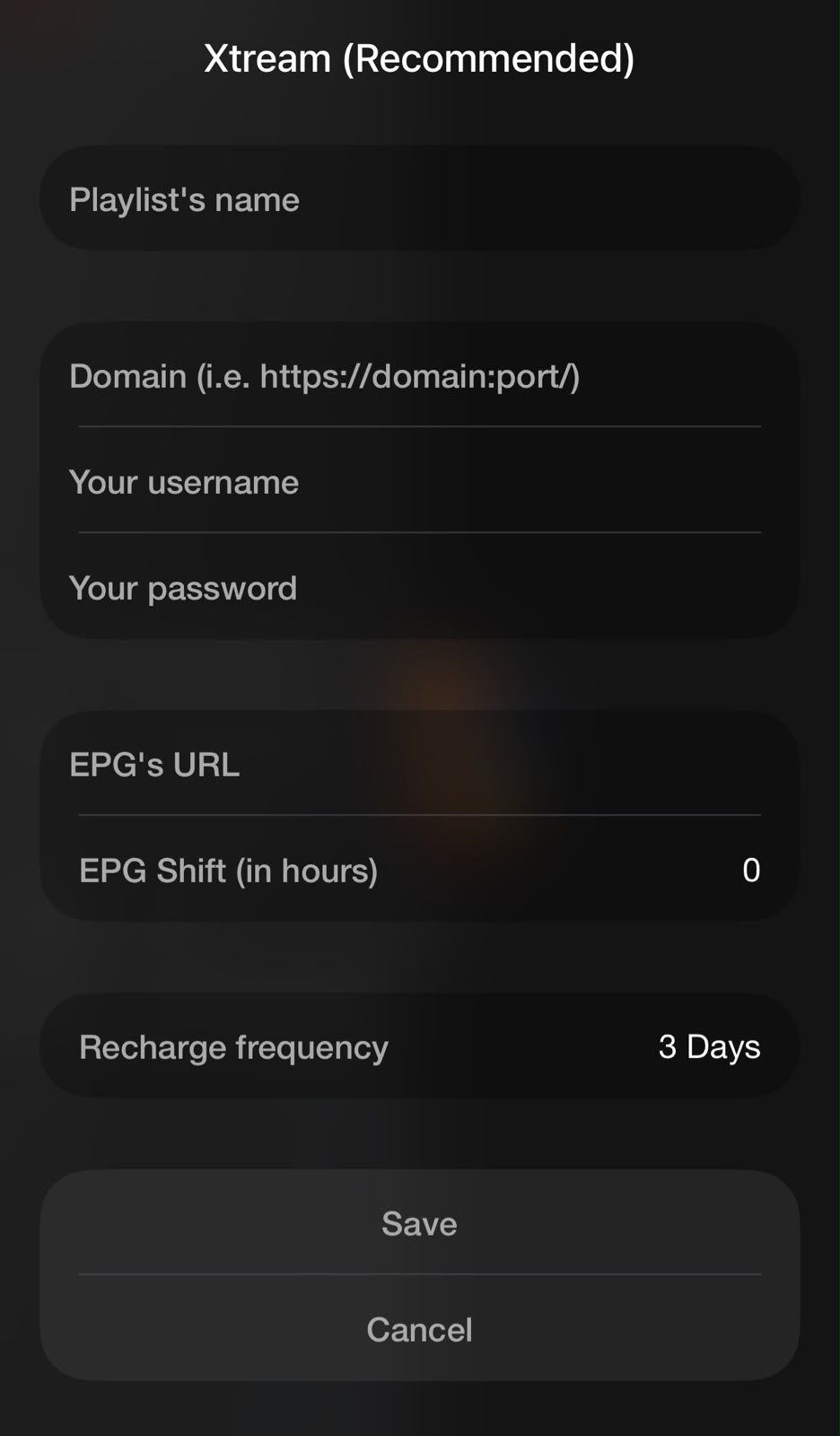
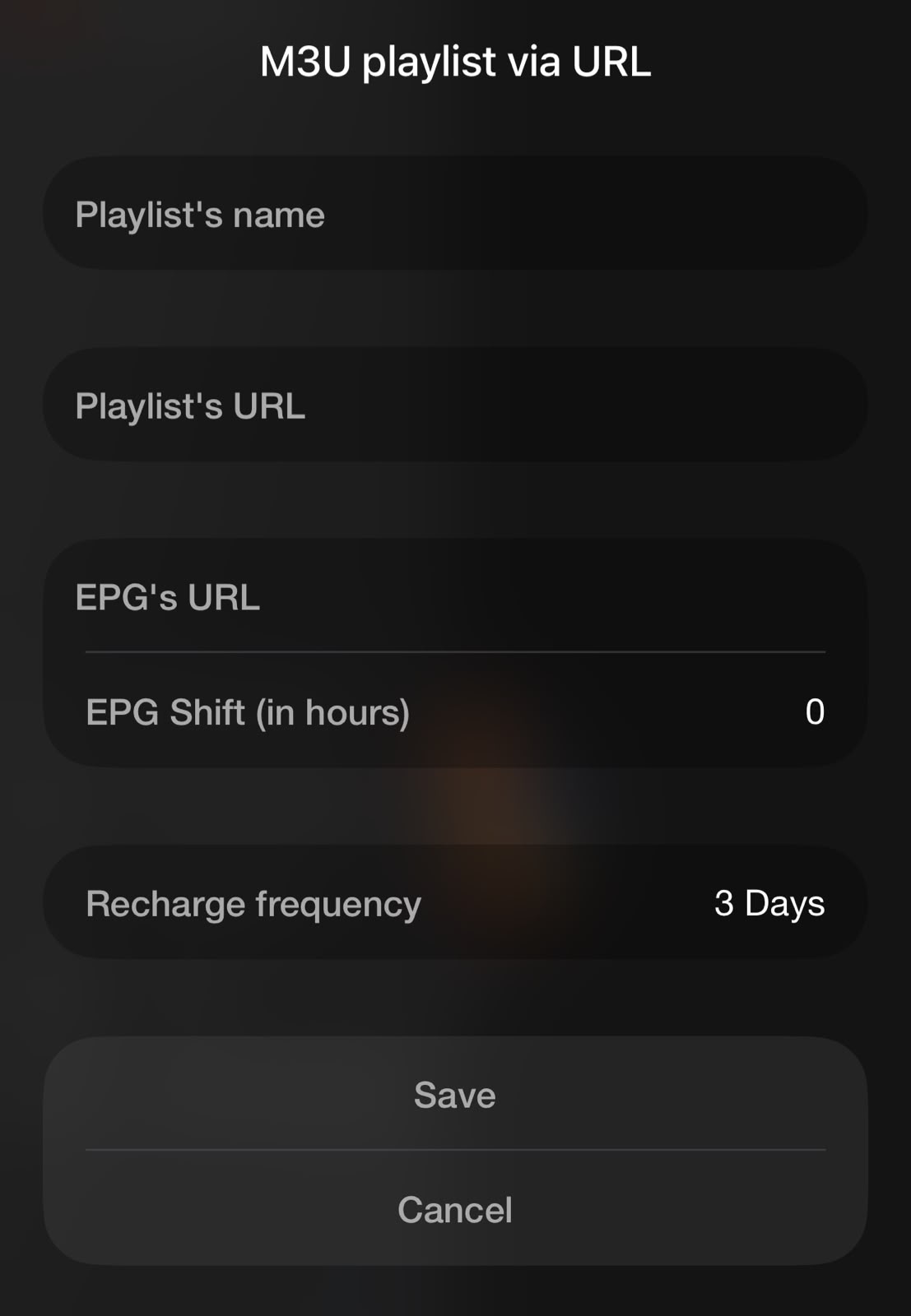
How to do it:
- Enter a name: IPTV Nords
- Paste your IPTV Nords M3U URL:
http://server.iptvnords.com:PORT/get.php?username=XXXX&password=XXXX&type=m3u
- Or choose Xtream Codes and enter your username, password and server URL
- Tap Save — channels sync to iPhone, iPad and Mac via iCloud automatically
📧 Your M3U URL is in your IPTV Nords welcome email. Contact live chat if you need it resent.
4
Use EPG, AirPlay 2, PiP, Recordings and AI Panel
IPTVX is the most feature-rich IPTV app for iPhone. Here is how to use its key features.
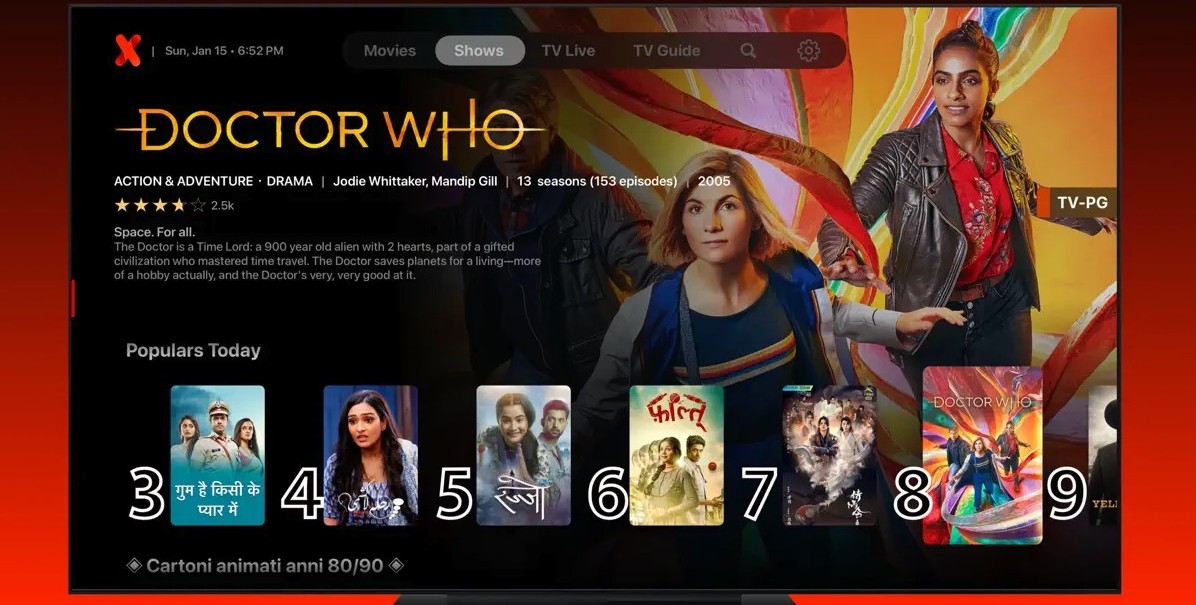
How to do it:
- Live TV — tap any channel to start watching with fast zapping
- EPG / TV Guide — tap the Guide tab for the full grid with programme search
- AirPlay 2 — tap the AirPlay icon to cast to your TV or Apple TV
- Picture-in-Picture — swipe up from the player to keep watching while multitasking
- Recordings — tap Record in the TV Guide to schedule recordings
- AI Panel — tap the AI button while watching for recaps, context and stats
💡 For best quality set stream to HD or FHD. Our servers support up to 4K on compatible devices.