





✓ Step-by-step guide
Install TiviMate IPTV Player
on Amazon Firestick
Follow these 4 simple steps to get IPTV Nords running on your Amazon Firestick with TiviMate IPTV Player.

1
Enable Unknown Sources
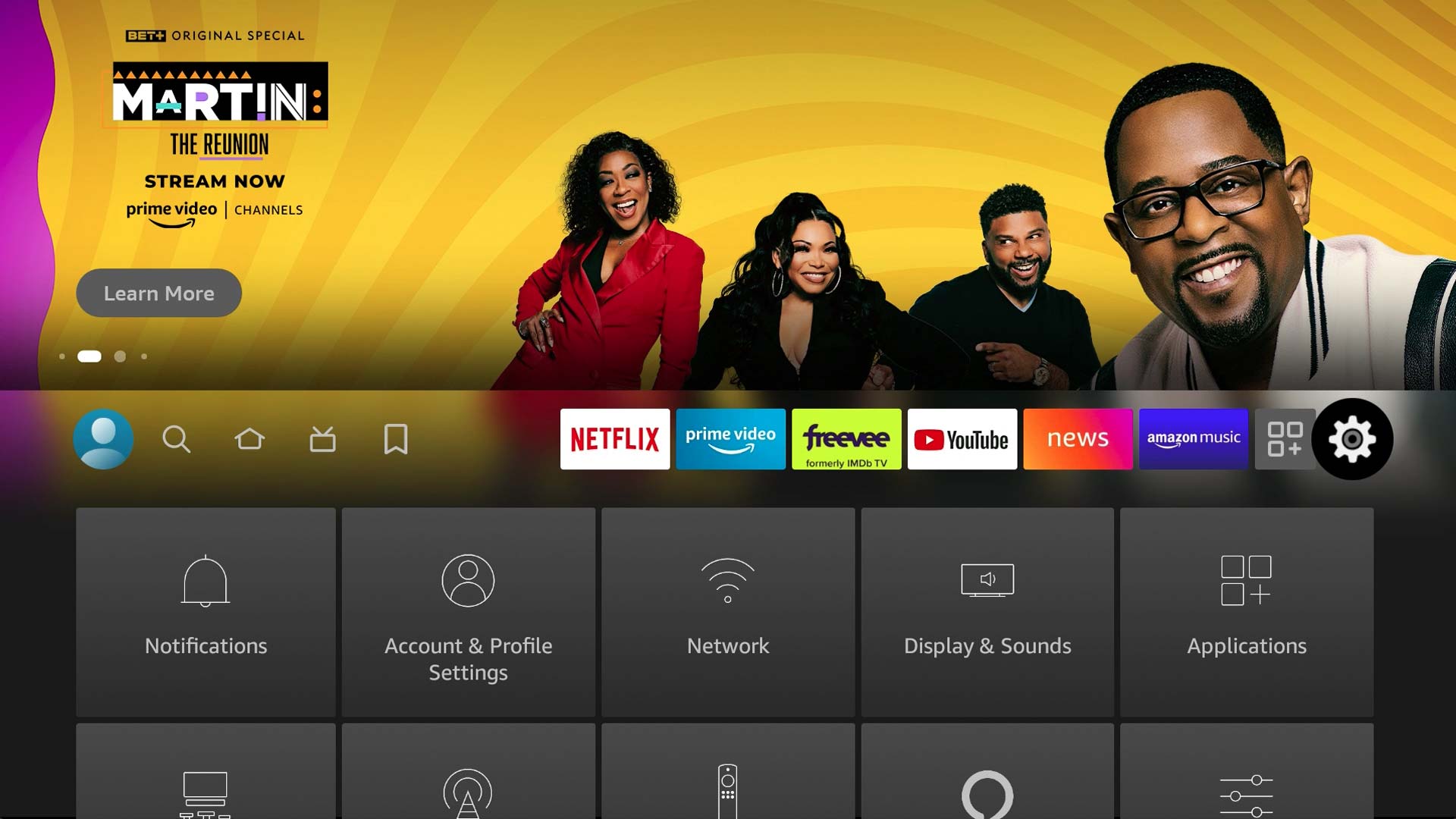
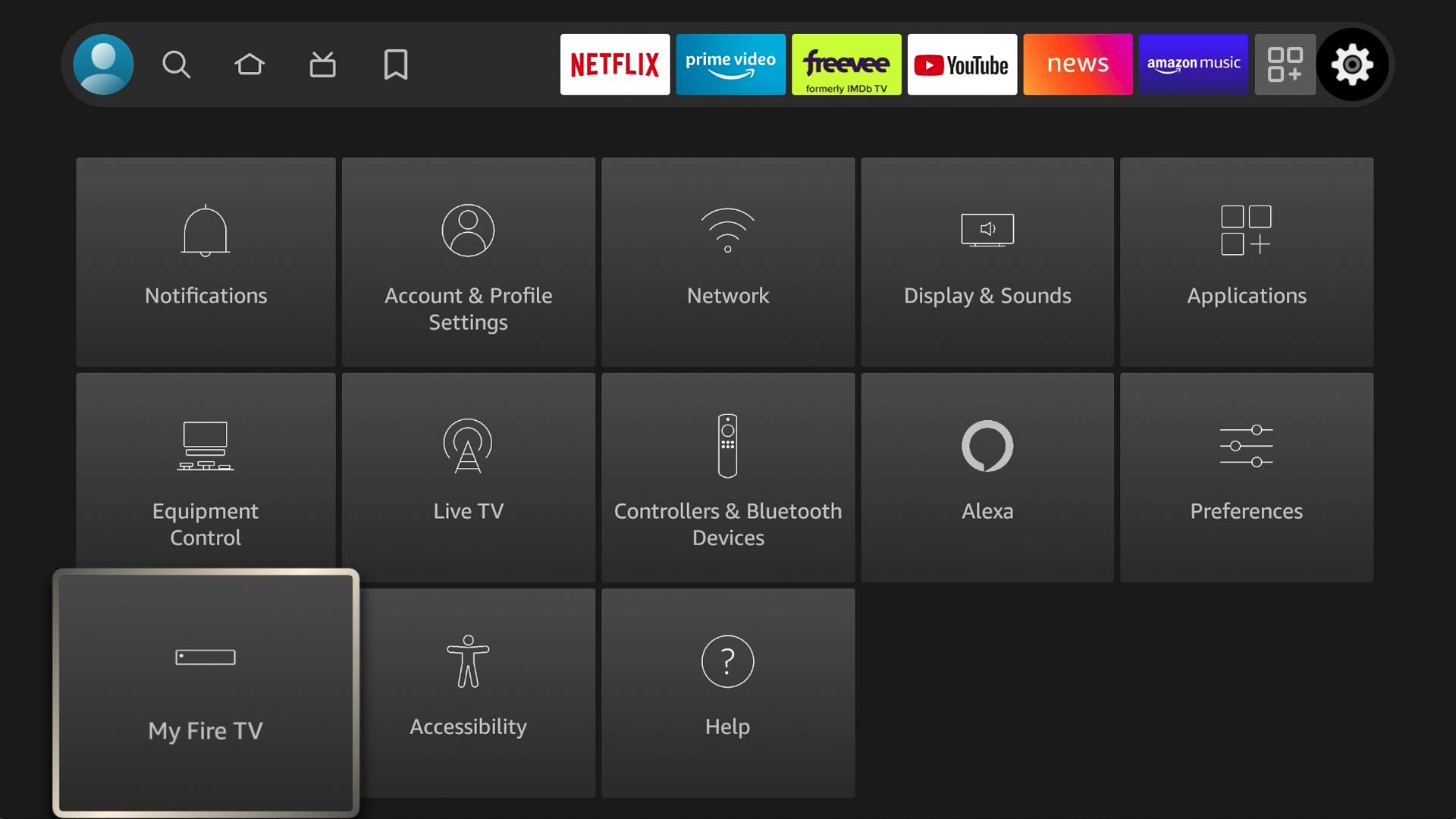
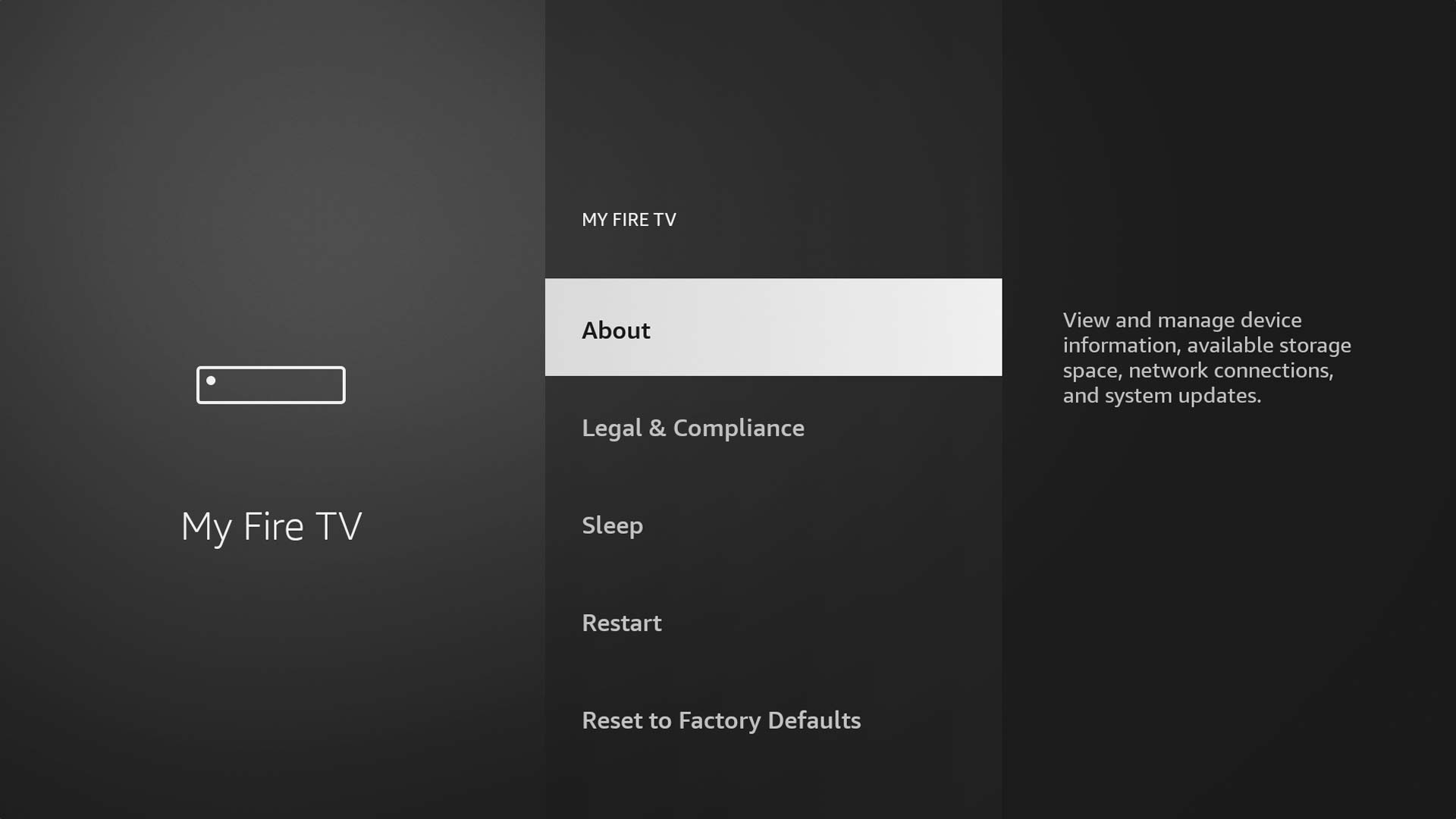
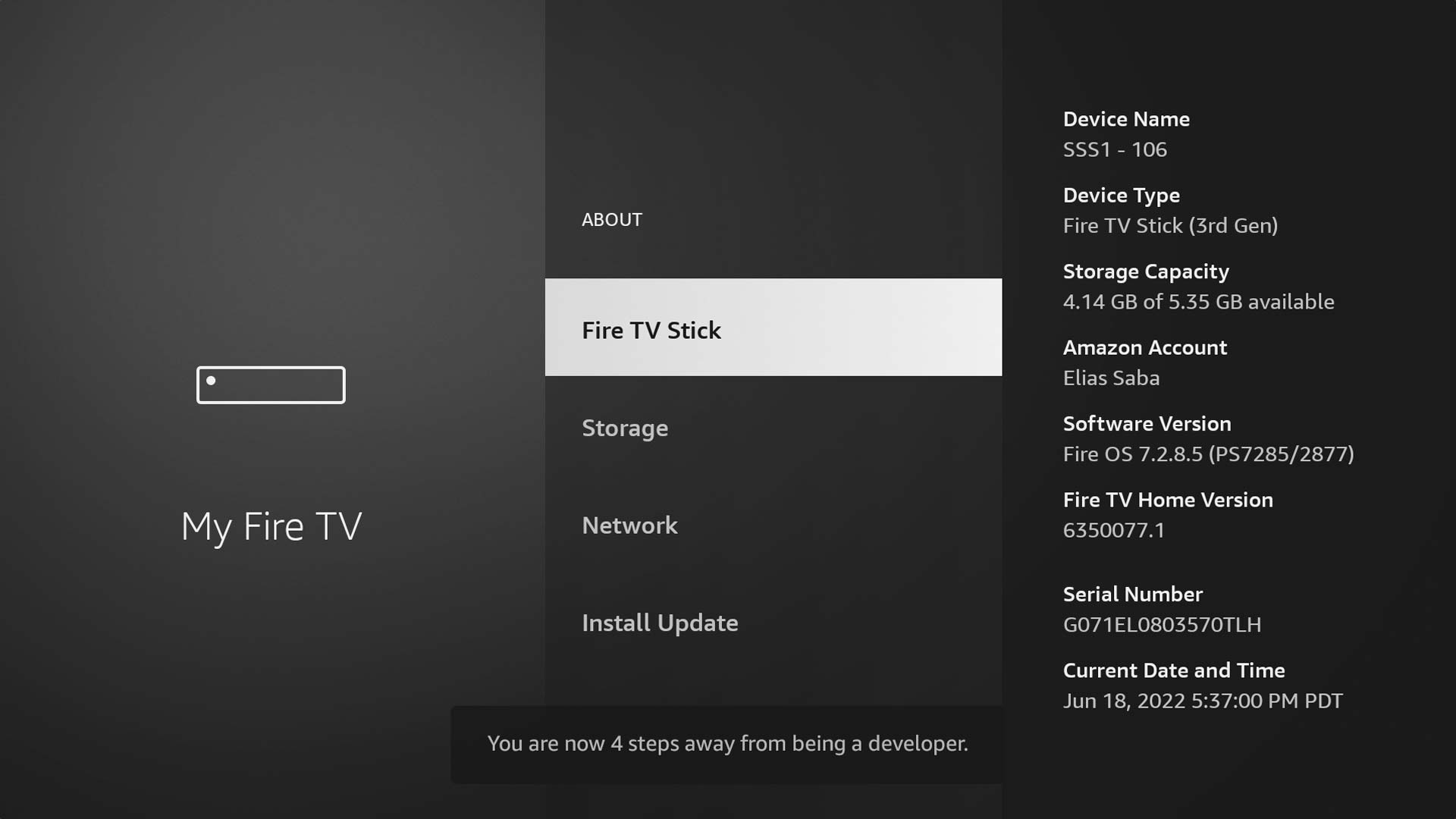
TiviMate must be sideloaded. First allow unknown app installations on your Firestick.
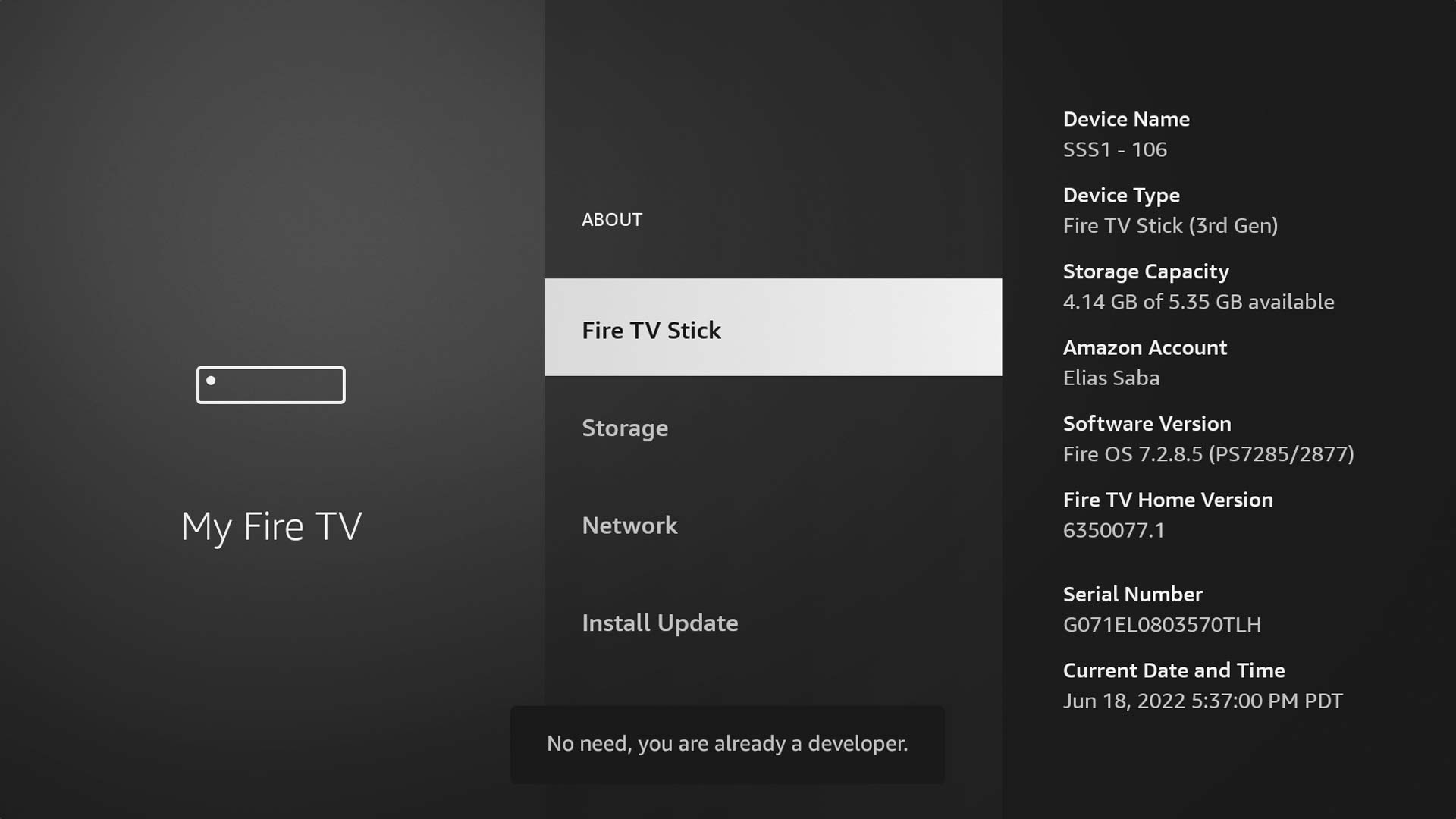
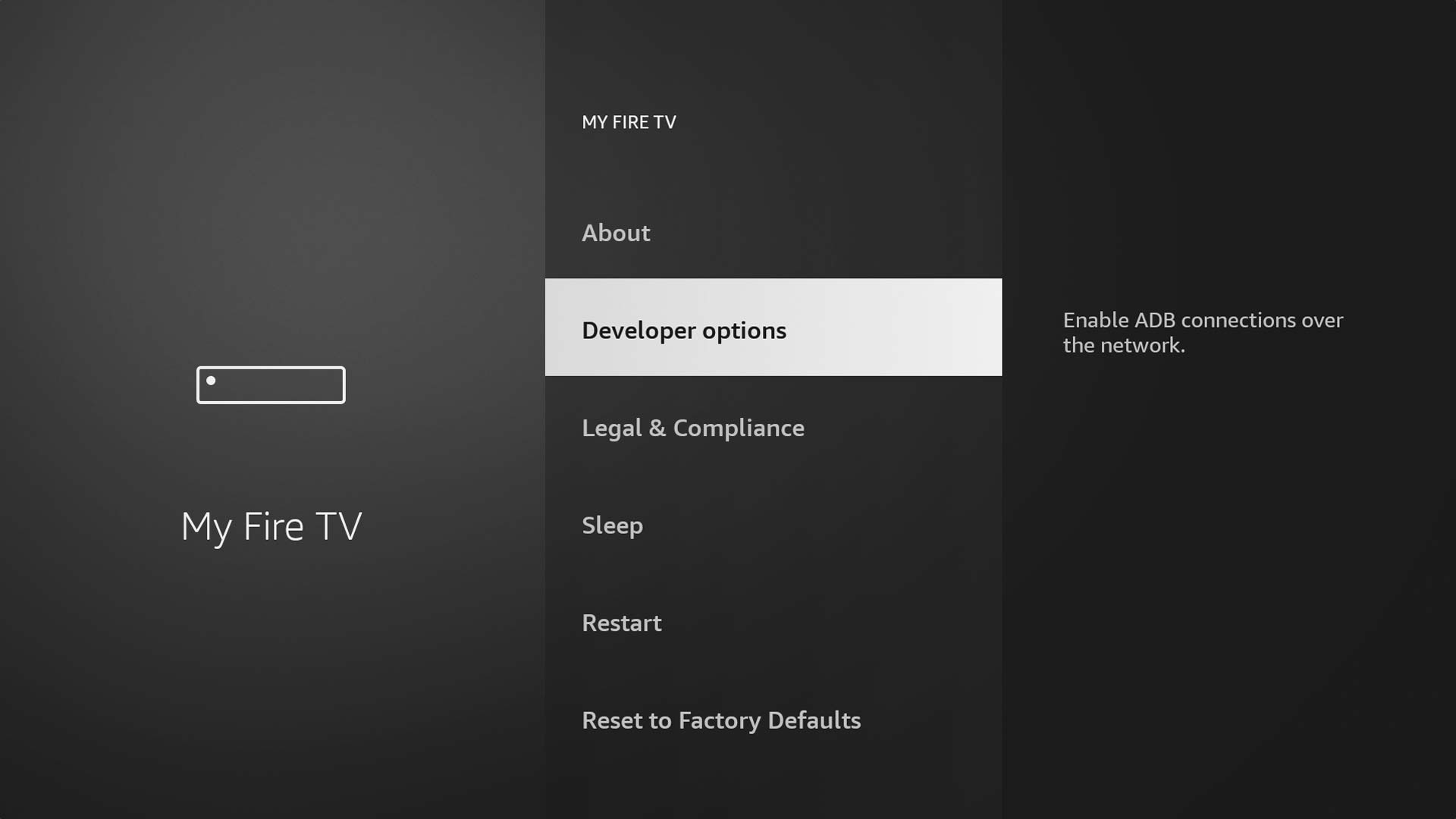
How to do it:
- Go to Settings → My Fire TV → Developer Options
- Toggle Apps from Unknown Sources to ON
2
Install Downloader and Get TiviMate APK
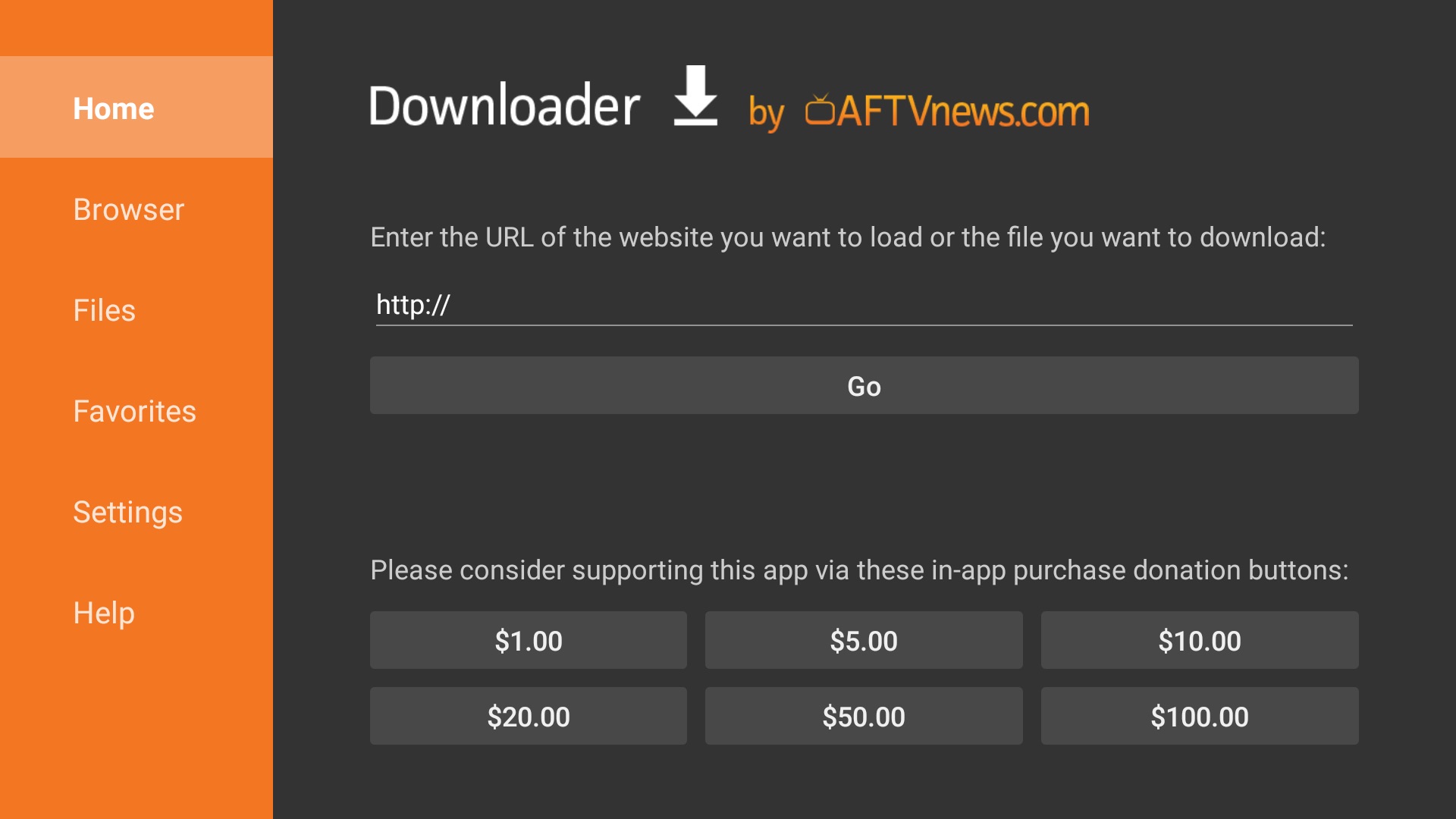
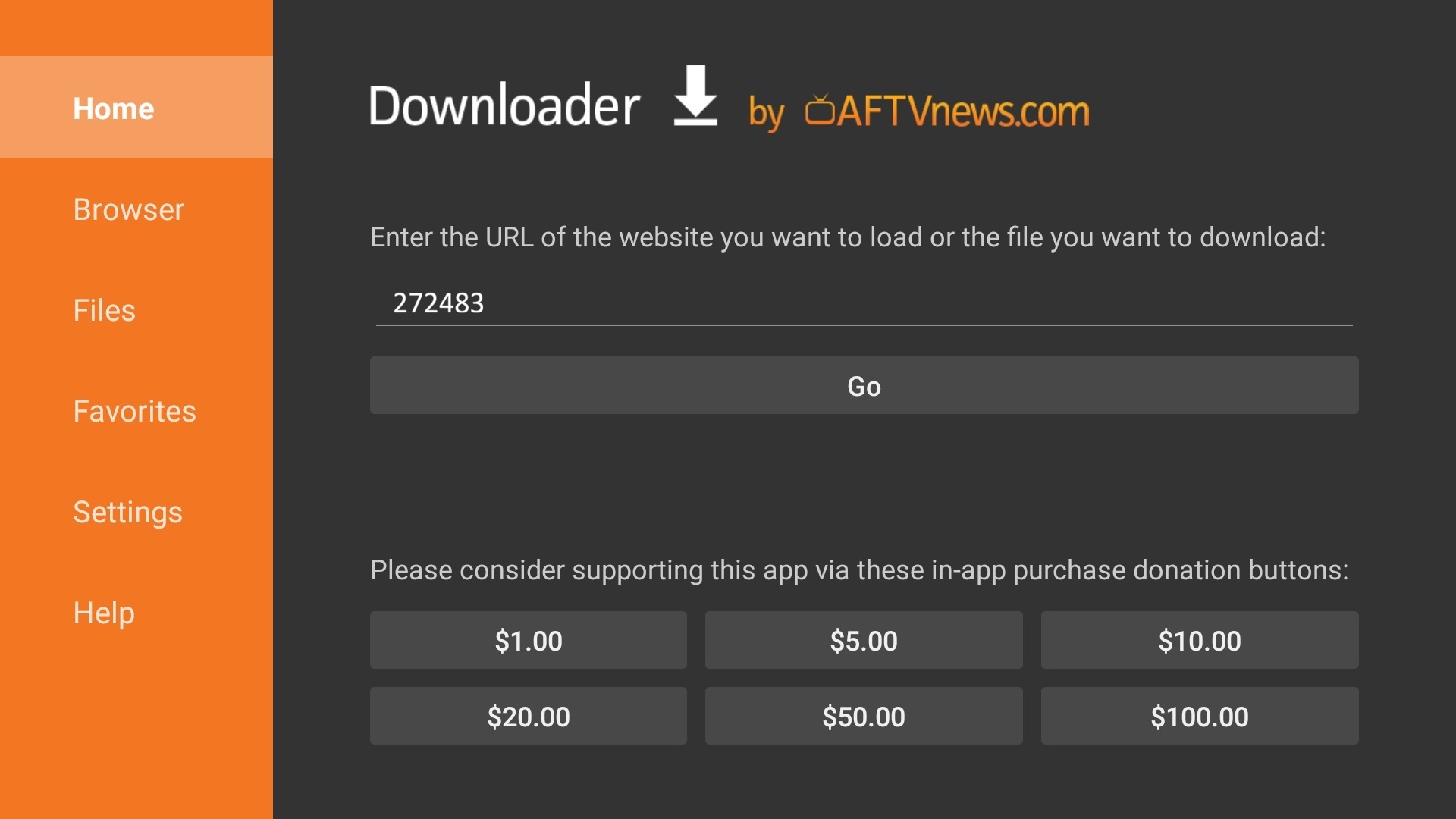
Use the Downloader app to fetch TiviMate from the official site.
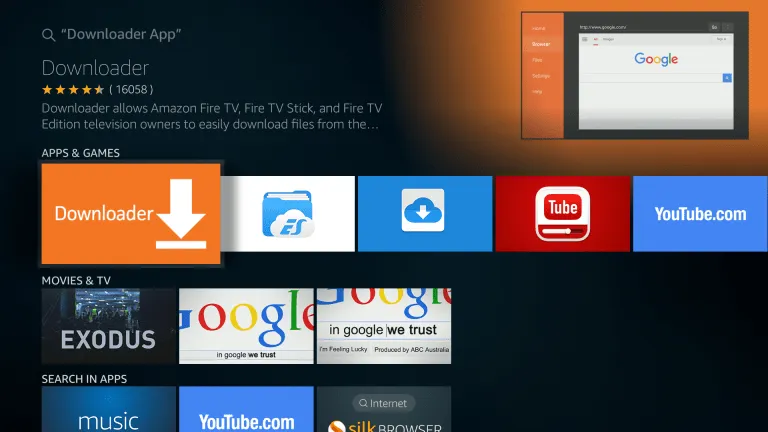
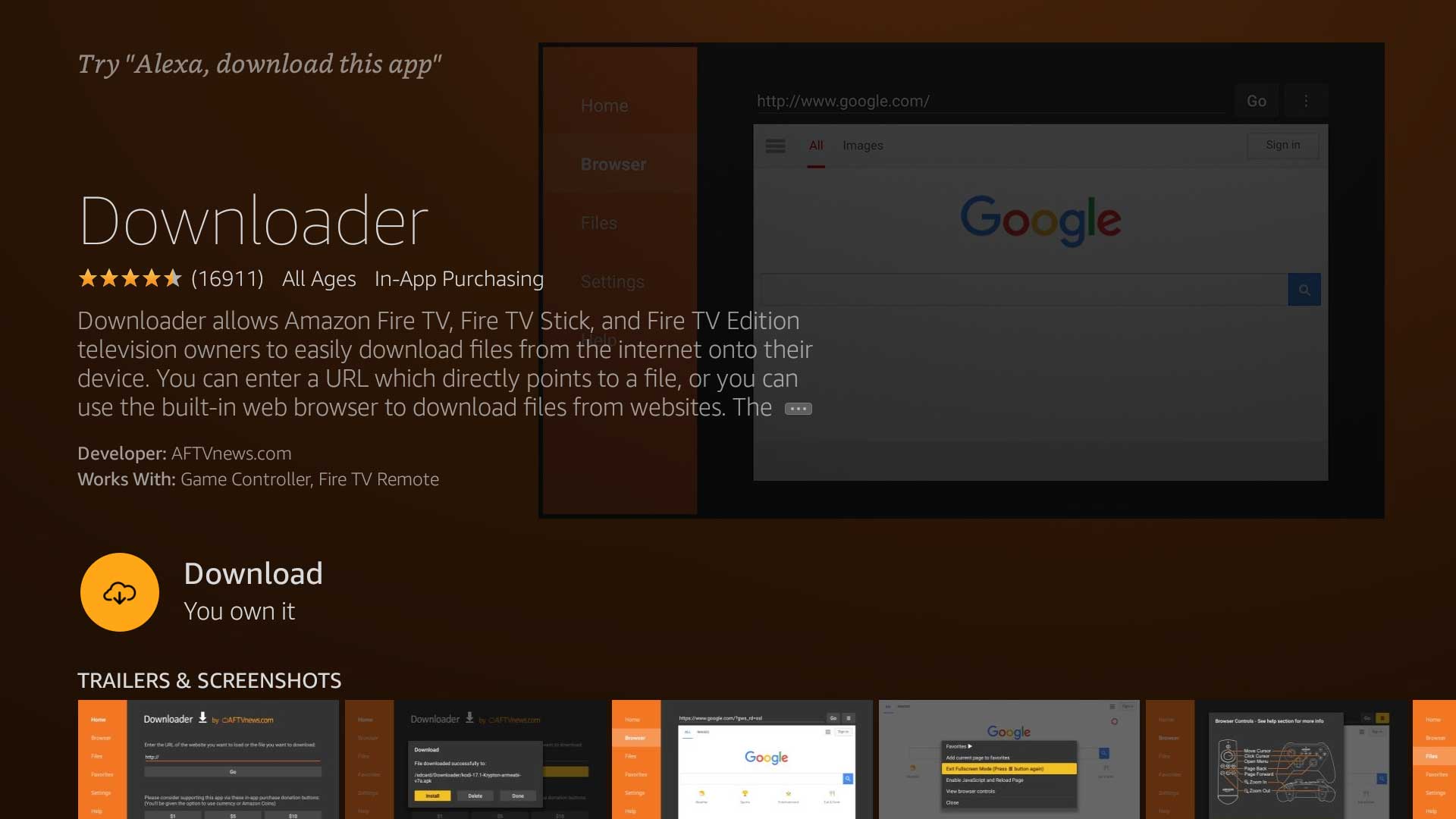
How to do it:
- Install Downloader from the Amazon App Store if not already installed
- Open Downloader and type tivimate.app in the URL bar
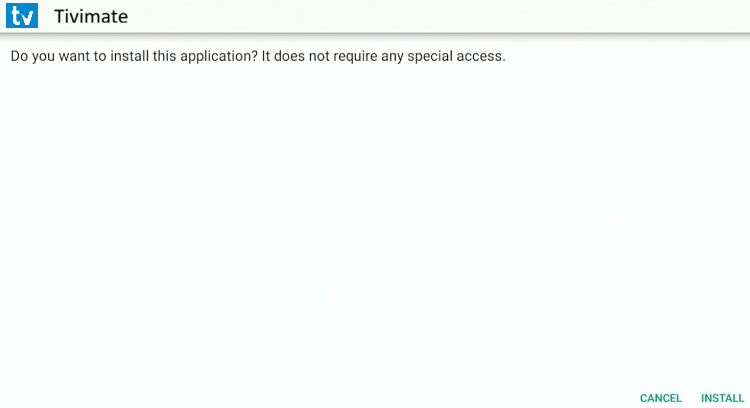
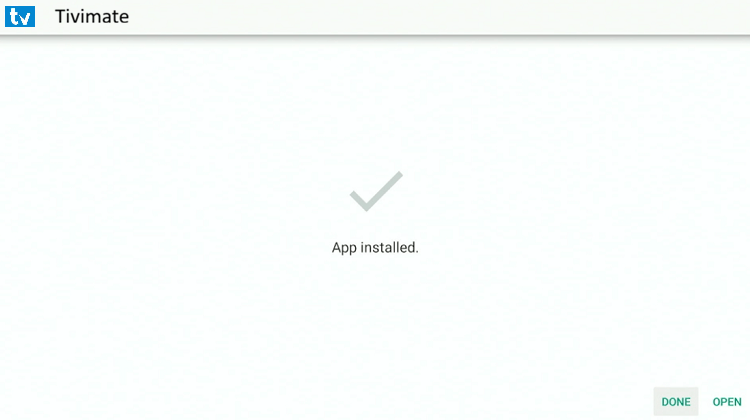
- Download the TiviMate APK and tap Install
3
Open TiviMate and Add Playlist
Launch TiviMate and connect your IPTV Nords account using Xtream Codes API.
How to do it:
- Open TiviMate from your Firestick apps
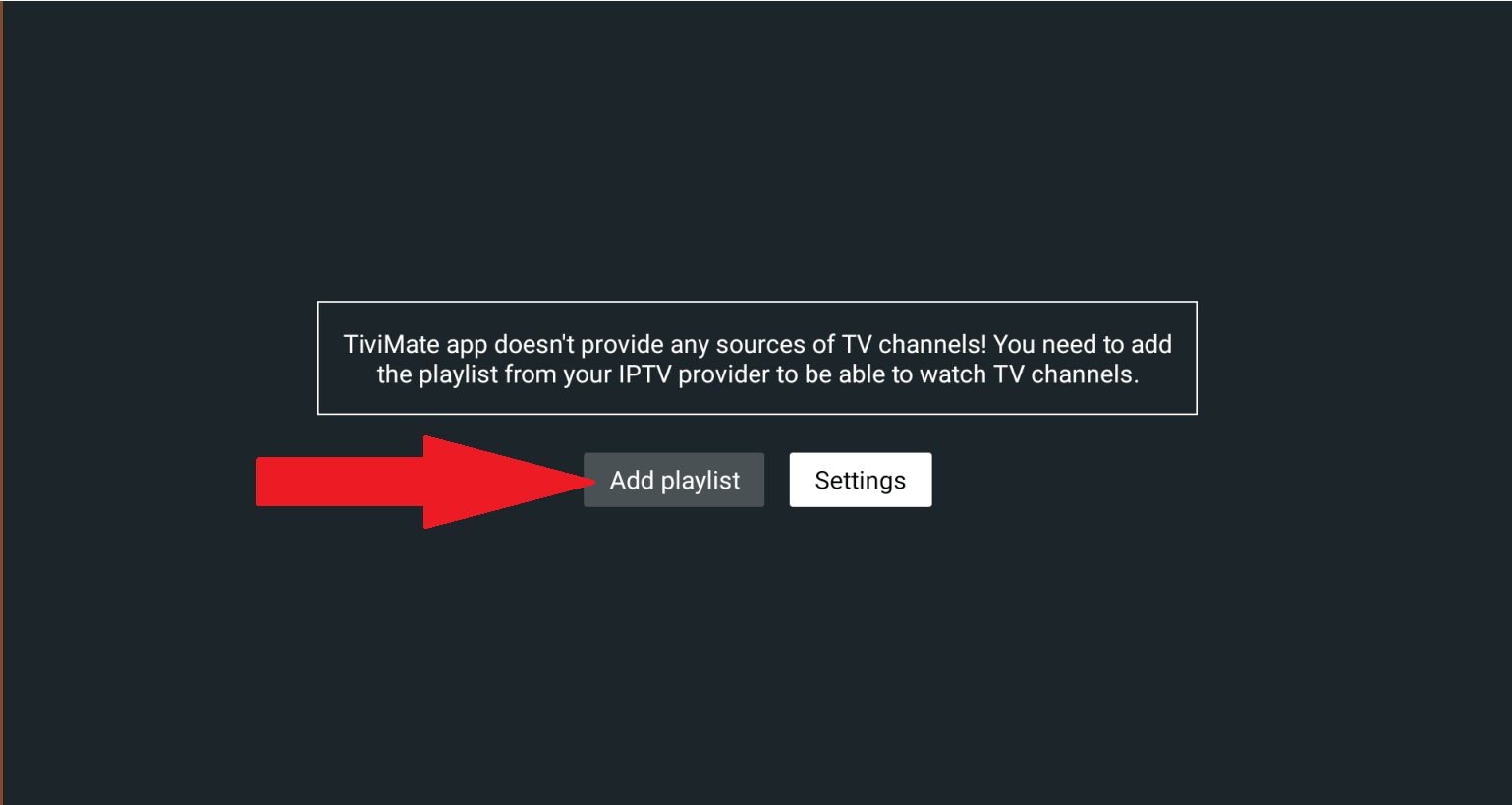
- Tap Add Playlist on the welcome screen
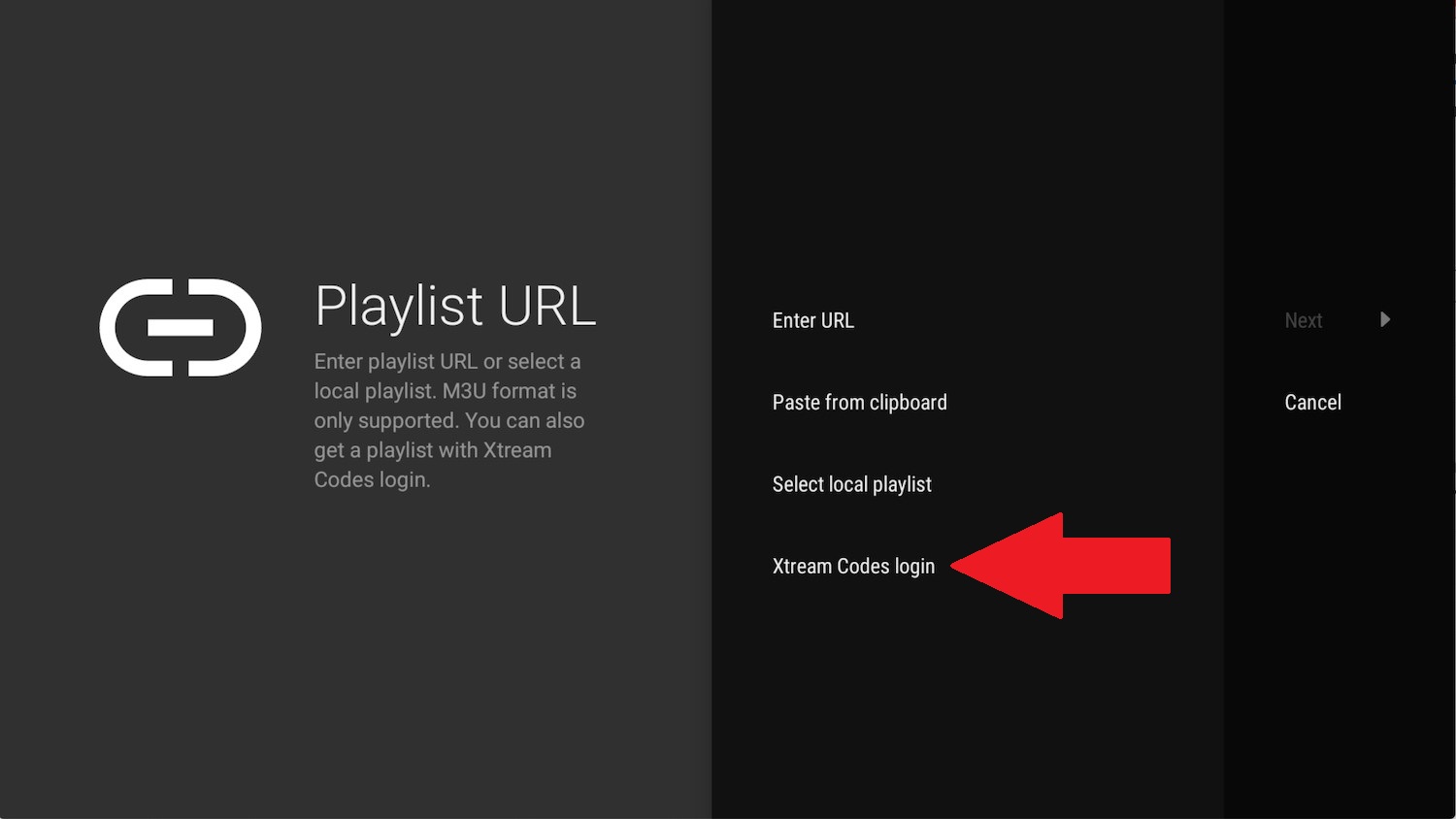
- Select Xtream Codes API
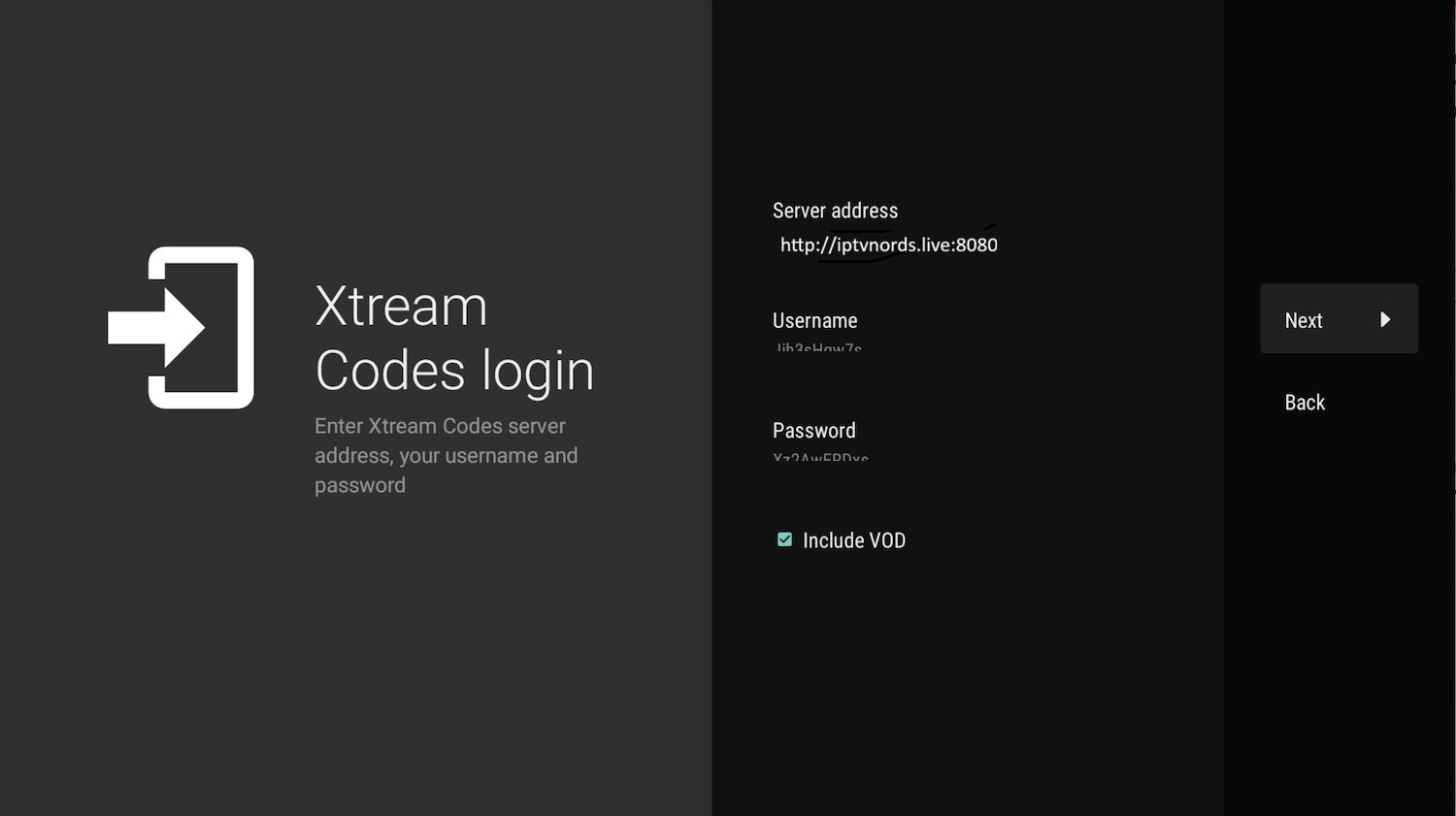
- Fill in your IPTV Nords credentials from your welcome email:
Server address: http://iptvnords.live:8080
Username: your_username
Password: your_password
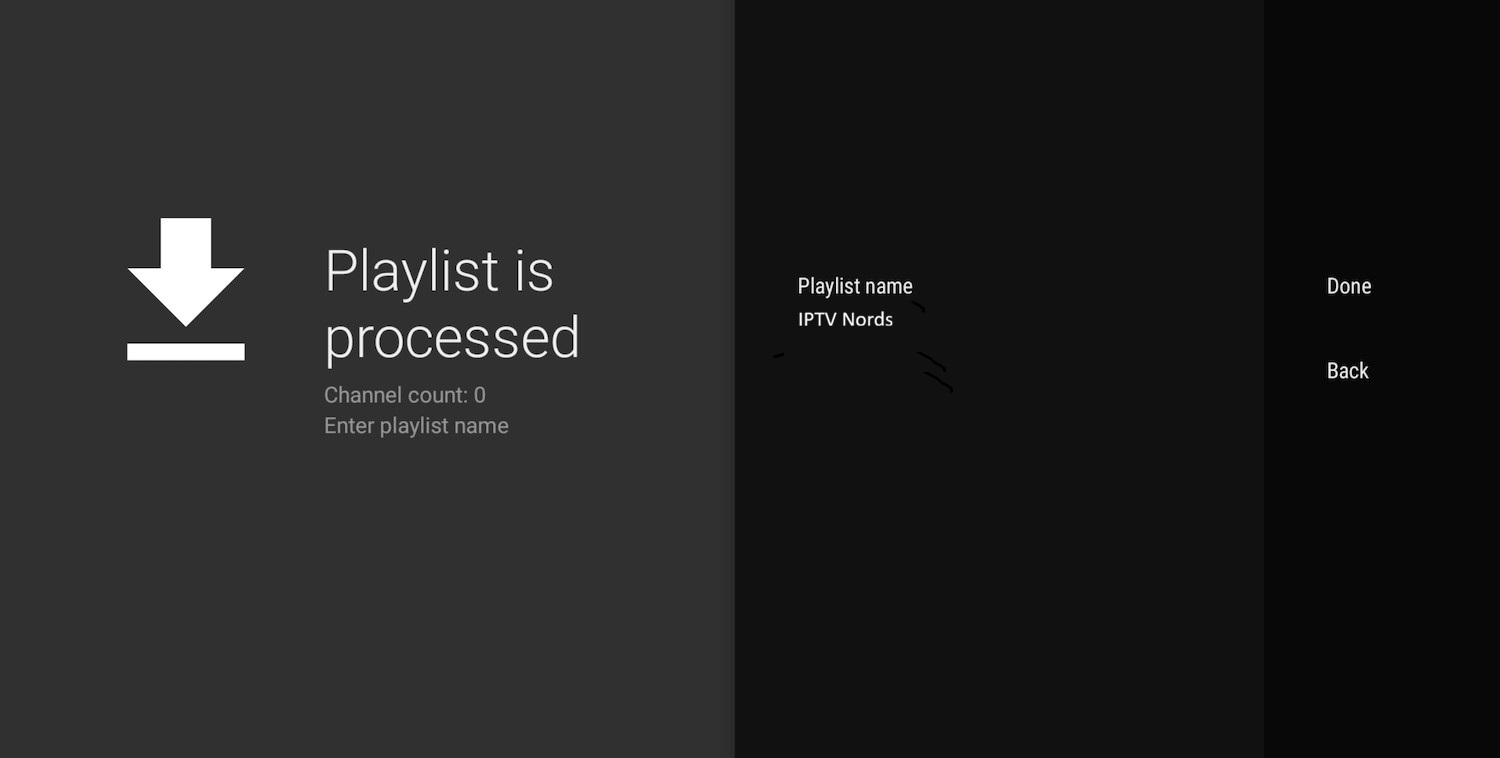
Playlist name: IPTV NORDS
Username: your_username
Password: your_password
Playlist name: IPTV NORDS
- Tap Next and wait for all channels to load
📧 Your Server URL, Username and Password are all in your IPTV Nords welcome email. Contact our live chat if you need them resent.
💡 Xtream Codes gives you faster channel loading and better EPG support compared to M3U.
4
Browse with the EPG Grid
TiviMate loads all channels with a full TV guide. Navigate with your Firestick remote.
How to do it:
- Press Menu on your remote to access categories and settings
- Use the EPG button to see the full programme guide
- Long-press any channel to add it to Favourites
- Enable Catch-up in settings to replay missed content
💡 For best quality set stream to HD or FHD. Our servers support up to 4K on compatible devices.