





✓ Step-by-step guide
Install IPTV Smarters Pro
on Android Phone
Follow these steps to get IPTV Nords running on your Android Phone with IPTV Smarters Pro.
1
Install IPTV Smarters Pro using Downloader APP
IPTV Smarters Pro is NOT available on the Google Play Store for Android TV boxes YET, coming soon.
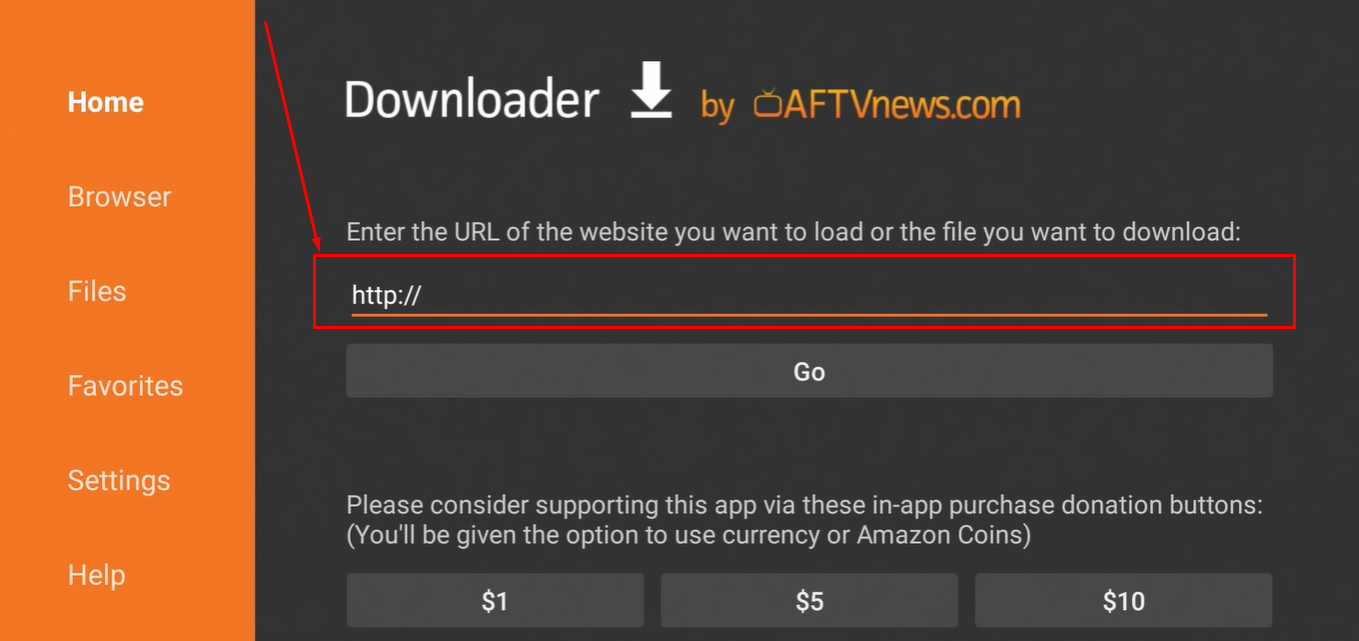
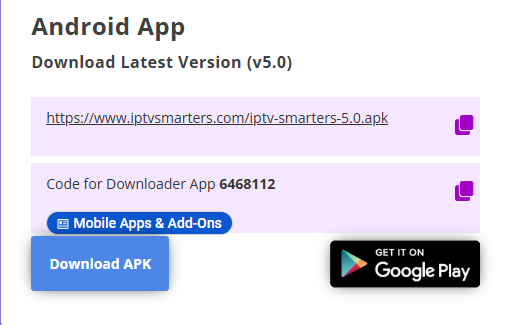
How to do it:
- Install Downloader on your Android TV Box
- Enter 6468112to download APK file
- Tap to APK fileto Install — the app is free
- Open IPTV Smarters Pro once installed
4
Open IPTV Smarters & Select Playlist
Launch the app and choose how to add your IPTV Nords playlist.
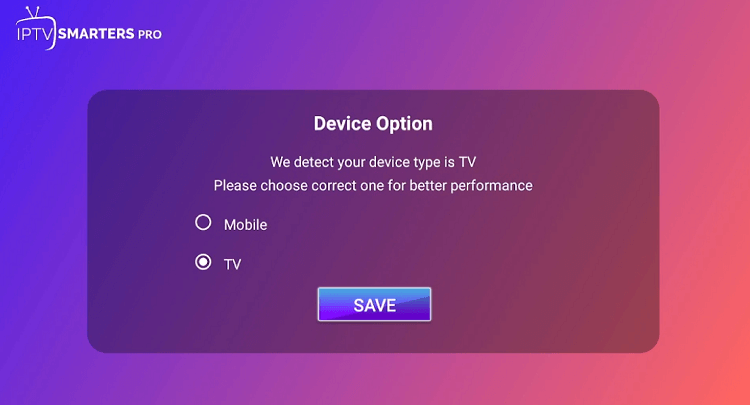
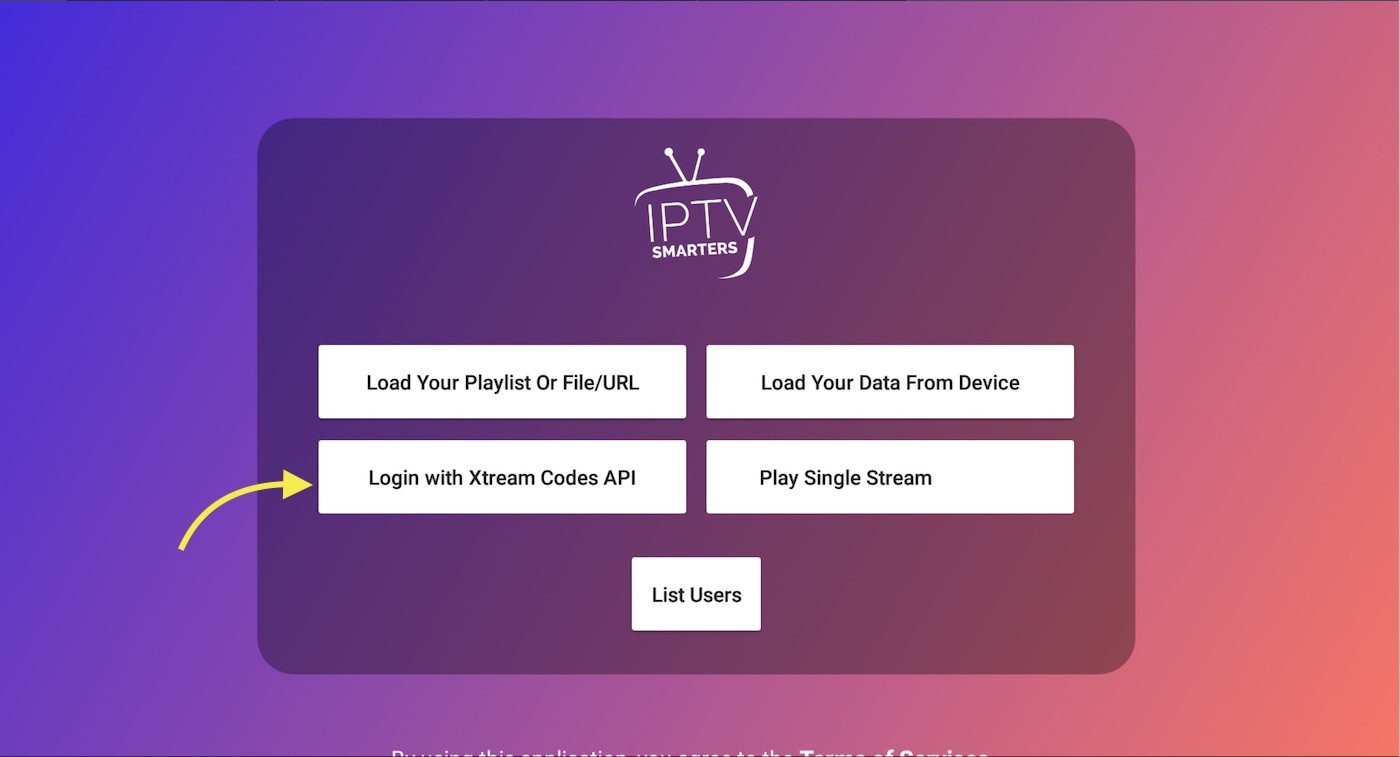
How to do it:
- Find IPTV Smarters Pro under Your Apps & Channels → See All
- Open the app
- Select Login with Xtream Codes API
5
Enter Your IPTV Nords Credentials
Enter your playlist name, username, password and URL from your IPTV Nords welcome email. Keep this URL private.
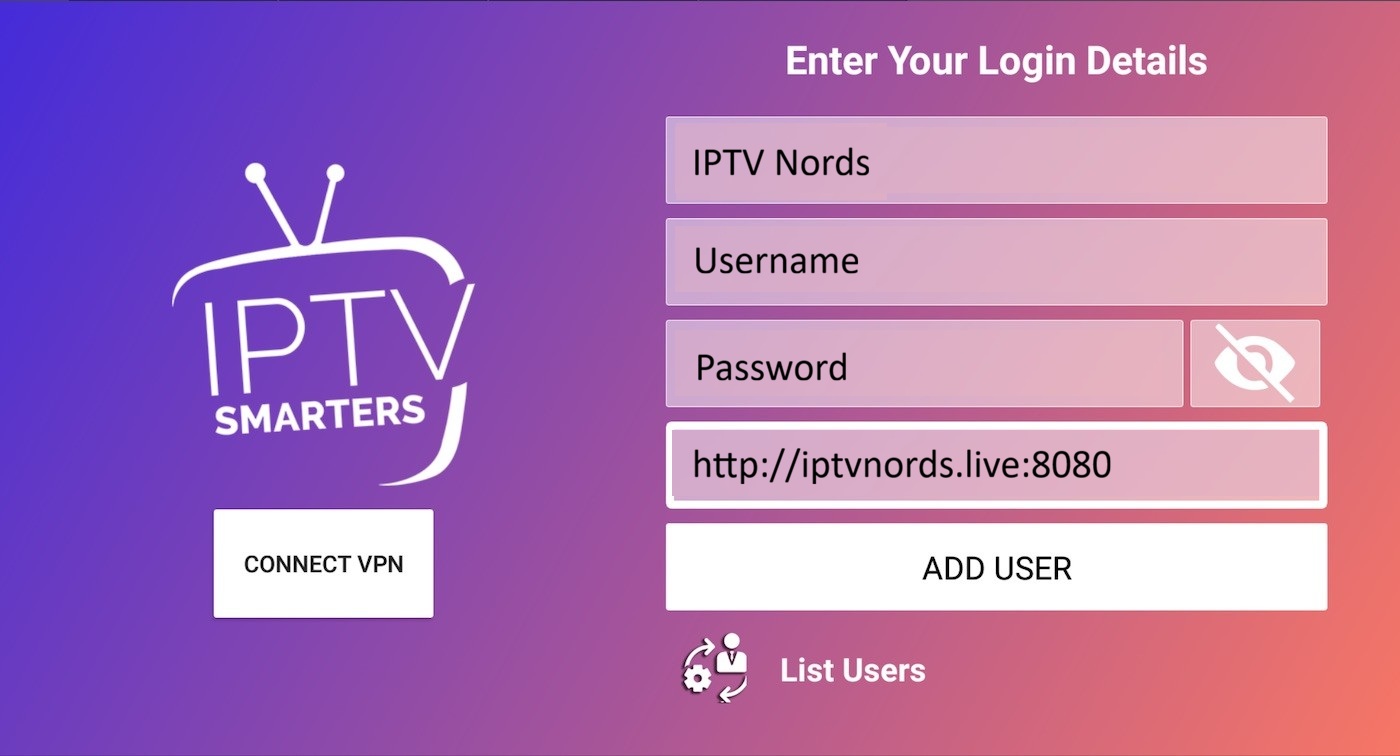
How to do it:
- In Playlist Name type: IPTV Nords
- In username your username
- In password your password
- In Playlist URL http://iptvnords.live:8080
- Tap Add User and wait 10–30 seconds for all channels to load
📧 Your Credentials are in your IPTV Nords welcome email. Contact our live chat if you need it resent.
6
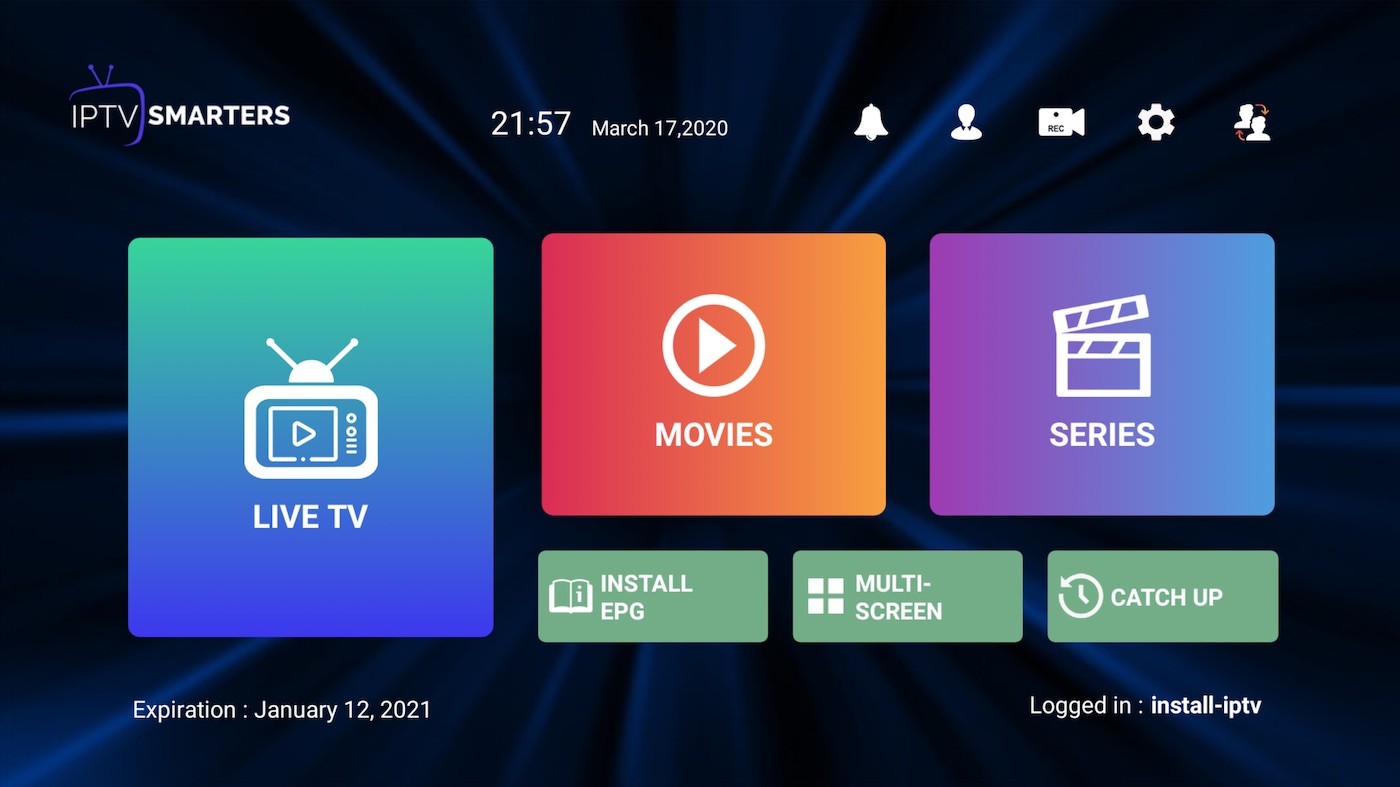
Start Watching – 19,000 Channels!
Browse Live TV, Movies and Series categories — all 19,000 channels are loaded.
How to do it:
- Live TV — 19,000 channels sorted by country and category
- Movies — 19,000 VOD films in HD/FHD/4K
- Series — Complete TV series collections
- EPG Guide — See what is on and set reminders
💡 For best quality set stream to HD or FHD. Our servers support up to 4K on compatible devices.